Can I restore automatic responsiveness for an element in WPBakery?
Yes, you can use Restore auto responsiveness to remove an element’s device-specific customizations.
- Open the element edit window.
- Open the menu at the top of the window.
- Select Restore auto responsiveness.
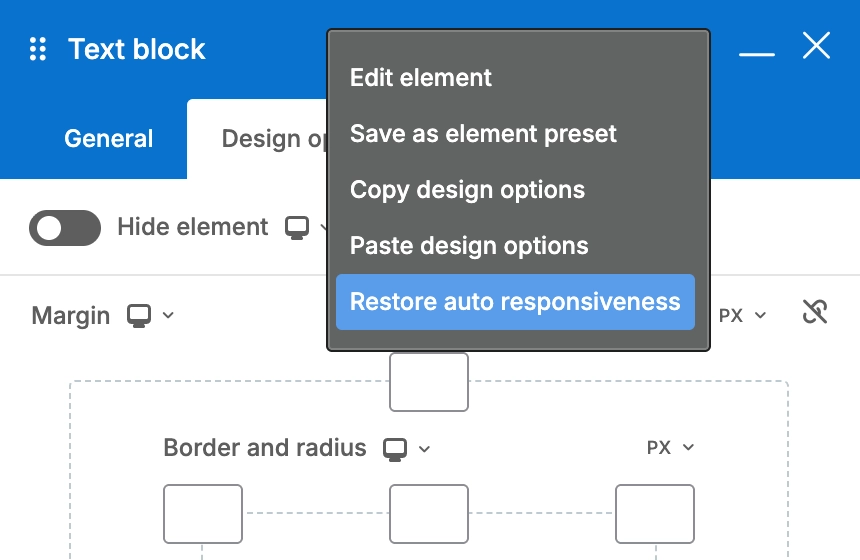
This clears the selected element’s responsive overrides and returns all device views to its desktop values.
For more information about device-specific settings, see Responsive settings.
Available since 9.2